How to Make a Monthly Budget (Step by Step)
A budget is not about restriction, it is about telling your money where to go instead of wondering where it went. Done simply, it takes under an hour to set up and puts you in control. Here is how, step by step.
Step 1: Add up your income
Start with your monthly take-home pay, the amount that actually lands in your account after tax and deductions. Include all reliable sources: salary, regular side income, benefits. Use your typical amount; if your income varies, use a cautious average.
Step 2: List every expense
Write down everything you spend in a month, then group it:
- Fixed bills: rent or mortgage, utilities, phone, insurance, subscriptions, minimum debt payments.
- Variable spending: groceries, fuel, eating out, shopping, fun.
- Savings and extra debt payments: emergency fund, goals, anything above minimums.
Check bank and card statements from the last month or two so you do not miss anything. People almost always underestimate variable spending.
Step 3: Subtract, and give every pound a job
Take your income and subtract your expenses. Your aim is for income minus everything to equal zero, not because you spend it all, but because every pound or dollar has a purpose, including the ones going to savings.
- If money is left over, assign it to savings or debt.
- If you are short, something has to give in the variable or fixed categories.
This "give every pound a job" approach is what turns a list of numbers into an actual plan.
Step 4: Pick a method that fits you
You do not need fancy software. Choose whatever you will keep up:
| Method | Good for |
|---|---|
| 50/30/20 rule | Beginners who want simplicity |
| A simple spreadsheet | People who like control and detail |
| A budgeting app | Automatic tracking and reminders |
| Cash envelopes | Curbing overspending in problem categories |
The best method is the one you will actually use next month.
Step 5: Track and adjust
A budget is a living plan, not a one-time document.
- Review weekly at first so you catch overspending early.
- Once you are settled, monthly is enough.
- Adjust the numbers when reality disagrees with your plan. If groceries always run over, raise that category and trim another. A budget that fits your real life is one you keep.
Step 6: Build in some fun
The fastest way to quit a budget is to make it joyless. Always include a fun-money category. Guilt-free spending on things you enjoy is what makes the whole plan sustainable.
The bottom line
To make a monthly budget: total your take-home income, list and group your expenses, give every pound or dollar a job so it all balances, pick a simple method, and review regularly. Keep it realistic, leave room for fun, and adjust as life changes. That is all it takes to go from wondering where your money went to deciding where it goes.
Frequently Asked Questions
How do I make a budget for beginners?
Write down your monthly take-home income, list all your expenses, subtract expenses from income, and assign any leftover to savings or debt. Start simple with three groups: fixed bills, variable spending and savings. Track for a month, then adjust.
What is the 50/30/20 budget rule?
It splits take-home pay into 50% needs, 30% wants and 20% savings and debt. It is a simple starting framework, though you can adjust the percentages to fit high living costs or aggressive savings goals.
Why do budgets fail?
Most budgets fail because they are too detailed to maintain, too strict to be realistic, or never reviewed. A budget that allows some fun money, is simple enough to keep up, and gets adjusted when life changes is far more likely to stick.
Keep reading
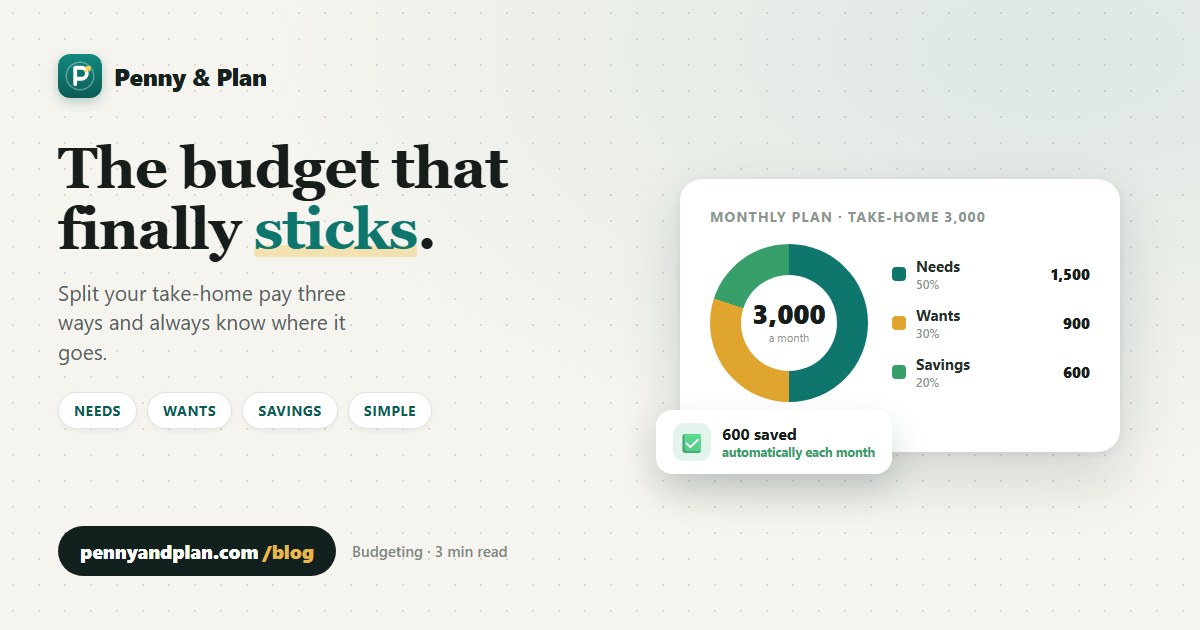 Budgeting
The 50/30/20 Budget Rule Explained (With Real Examples)
The 50/30/20 budgeting rule made simple, with real monthly examples for the US, UK and Canada and how to adjust it when it does not fit.
Budgeting
The 50/30/20 Budget Rule Explained (With Real Examples)
The 50/30/20 budgeting rule made simple, with real monthly examples for the US, UK and Canada and how to adjust it when it does not fit.
 Subscriptions
How Much Does YouTube Premium Cost? Is It Worth It?
YouTube Premium prices went up in 2026. Here is what every plan costs, how the US, UK and Canada compare, and whether it is worth paying for each month.
Subscriptions
How Much Does YouTube Premium Cost? Is It Worth It?
YouTube Premium prices went up in 2026. Here is what every plan costs, how the US, UK and Canada compare, and whether it is worth paying for each month.
 Subscriptions
How to Cancel Audible and Keep Your Books
Cancelling Audible does not delete your audiobooks, but it does wipe your unused credits. Here is how to cancel properly and keep everything you paid for.
Subscriptions
How to Cancel Audible and Keep Your Books
Cancelling Audible does not delete your audiobooks, but it does wipe your unused credits. Here is how to cancel properly and keep everything you paid for.